
Spotube is a free application that allows you to listen ad-free music from Spotify on Android, Windows, Mac, and Linux. You just need to sign in with your Spotify account to access all your favourite songs and playlists.
Spotube.Org
One of the best features is to download songs in MP3 format so you can listen to them offline. The only lack is that it doesn’t support Spotify’s podcasts. The app also lets you customise the look with different themes and colours.
What is Spotube?
Spotube is a premium app that lets you listen to music from Spotify without ads, even if you’re using the free version. It also has extra features like easy controls and better performance, making it easier to enjoy your music. With Spotube, you can access all of Spotify’s music without having to pay for a premium subscription. Also, you can access your Spotify playlist when you log in with your Spotify account. The application is optimised and made for music lovers who don’t want any interruptions while listening to music.
Key Features of Spotube
Offline mode
guest login
Ad-free
Customizable controls
Optimised and fast
Playlist management
Spotube vs. Spotify Premium
Spotube and Spotify Premium both allow you to listen to music without ads, but they are different in a few ways. Spotube is a free app that gives you access to all Spotify music without ads. It also lets you download songs in MP3 format to listen offline, and you don’t need to pay or have a premium account. Also, Spotube doesn’t include Spotify podcasts, and you have to download it from a website outside the app stores. On the other hand, Spotify Premium is a paid service that gives you extra features like better sound quality, offline listening, and access to podcasts with a premium subscription.


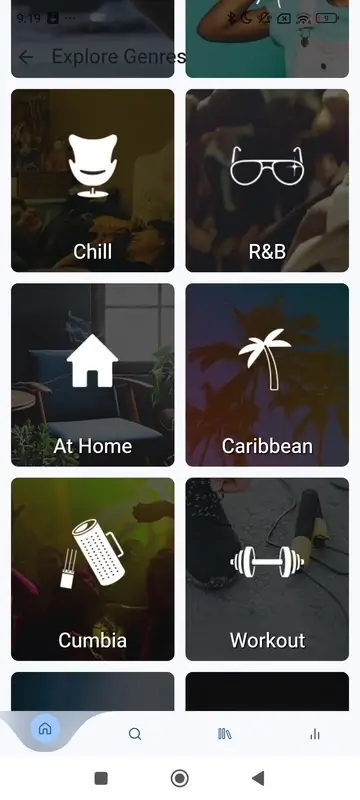

How to Use Spotube?
Using Spotube is very easy and doesn’t require any complicated setup. It’s a simple app that lets you listen to music from Spotify in one place. You don’t have to switch between different apps. You can search for songs, make playlists, and enjoy your favourite music all in one spot. Spotube makes it simple to enjoy music without any trouble. Here are the steps to use it:-
Install Spotube
Devices Support Spotube
Download Spotube for Android
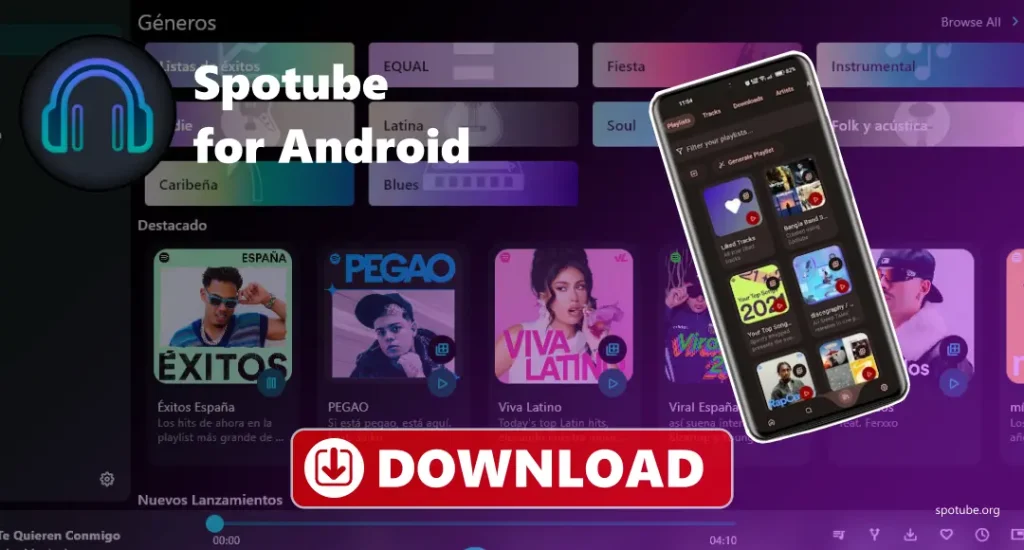
The Spotube application is available for Android users, which allows them to listen to music from Spotify for free, without ads. It works like the official Spotify app and gives you some extra features, like downloading songs, choosing different sound quality options, and listening without any ads. Since it’s not on the Google Play Store, you’ll need to download it from our website. You can find your Spotify playlist here by logging in to your account and customising multiple things.
Download Spotube for Windows
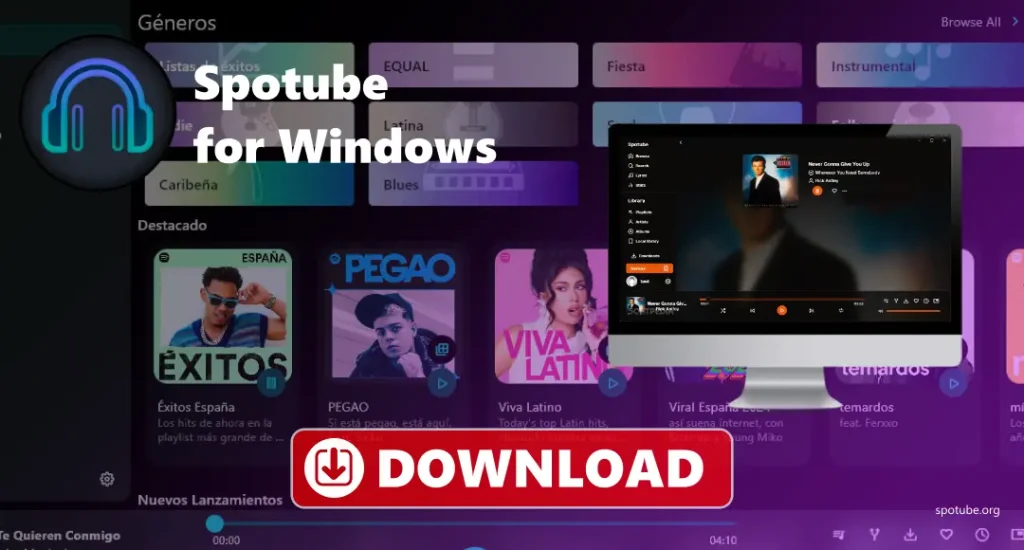
Spotube has also been made for Windows users; it has the premium features, and you don’t need to pay for that. It has an easy-to-use design and gives you access to Spotify’s full music library, without the ads. Spotube is fast and simple, perfect for anyone who just wants to enjoy music without interruption. You can search for songs, create playlists, and even connect your Spotify account for personalised music suggestions. It’s a great choice for anyone who wants a quick and easy way to use Spotify on a Windows computer.
Download Spotube for macOS
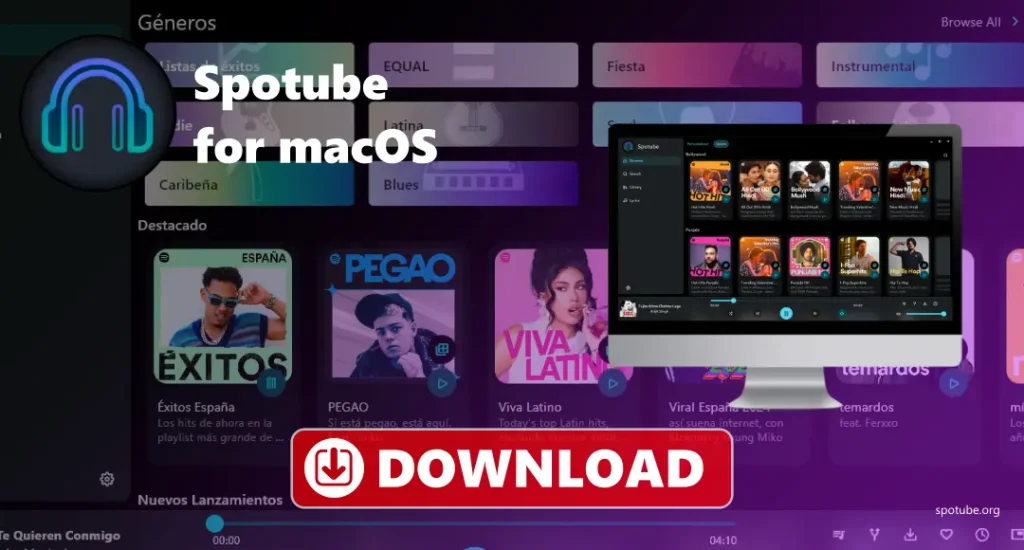
Spotube is a simple and optimised app that lets you listen to music from Spotify without requiring the official Spotify app. It has an easy-to-use design and gives you access to all of Spotify’s music without ads or extra features. It is fast and works well, making it a great choice for anyone who just wants to enjoy music on their Mac without interruption. You can search for songs, create playlists, and connect your Spotify account to get music recommendations. It’s a perfect option for anyone who wants a quick and easy way to use Spotify on a Mac.
Download Spotube for Ubuntu, Debian
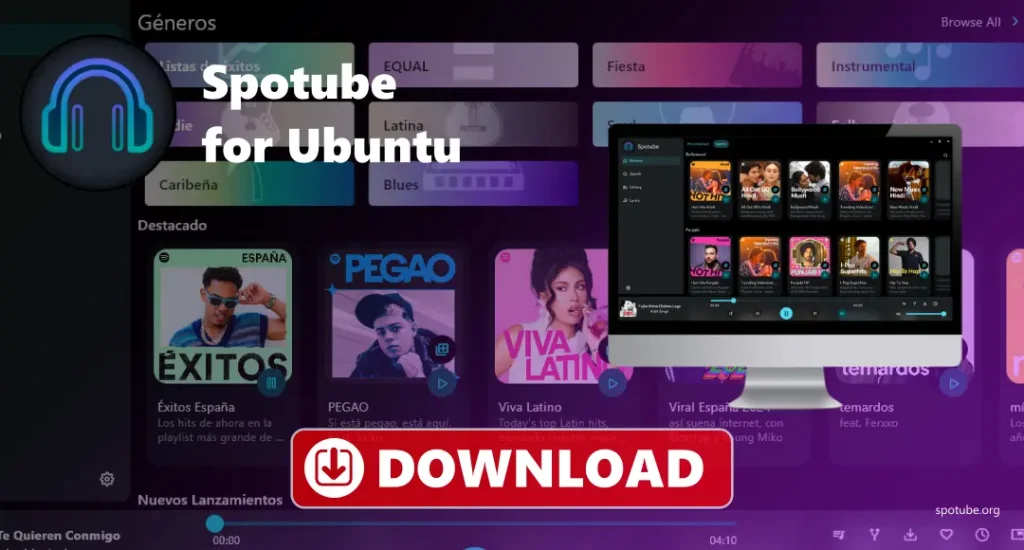
Spotube can also be used in Ubuntu and Debian. It allows you to listen to music with premium features without any subscription. It has an easy design, giving you access to all of Spotify’s music without any ads or extra features. It works smoothly and quickly, and you can get your Spotify playlist on this application when you log in through your Spotify account. You can search for songs, make playlists, and even log in to your Spotify account to get music recommendations. It’s a perfect option for anyone who wants an easy and fast way to use Spotify on Ubuntu or Debian.
Download Spotube for Fedora, Redhat, Opensuse
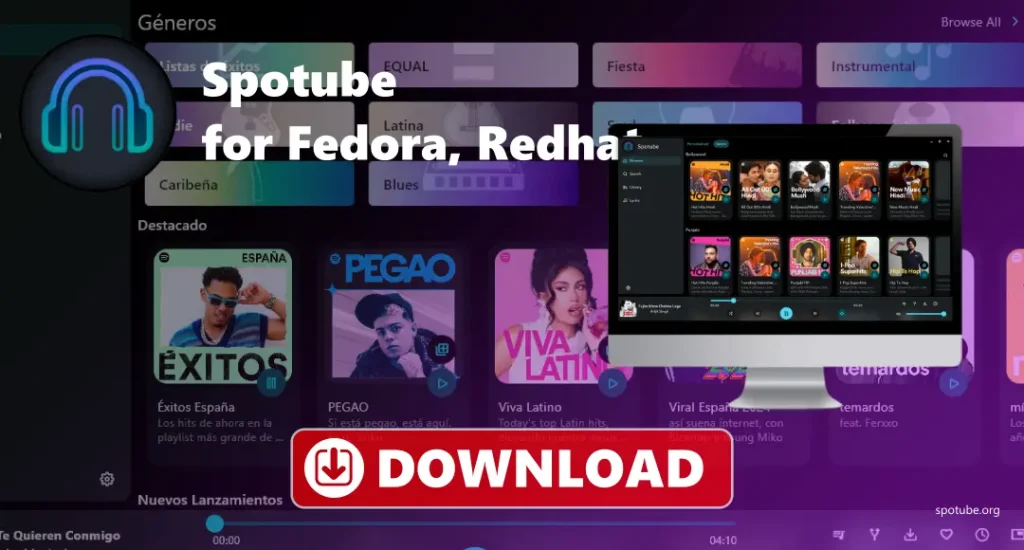
Now you can enjoy Spotify music on Linux systems like Fedora, Red Hat, and openSUSE with premium features without any subscription. It’s lightweight and optimised for the official Spotify app. Unlike the full Spotify app, which has ads and a premium plan, Spotube focuses only on the basics: playing music, managing playlists, and searching for songs, while keeping everything fast and easy to use without requiring any subscription. It’s a good choice for anyone who wants to listen to music without any ads.
Download Spotube for iPhone
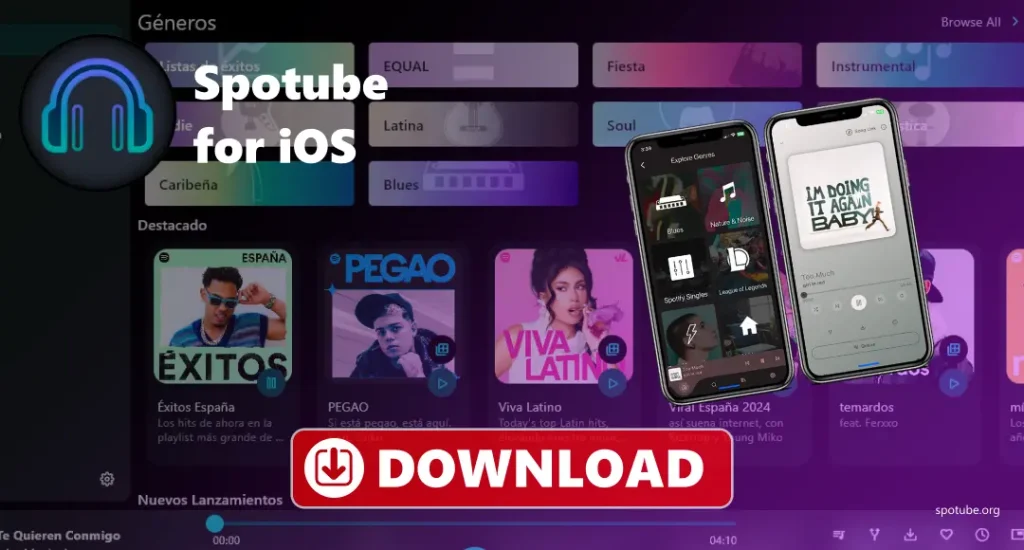
Spotube is an app that lets you stream music from Spotify in one place. This application makes it easy to use premium Spotify features on the iPhone. As this application is not available on the App Store, you can download it from our website, where we provide a safe and clean file. In this application, you can log in to your Spotify account and access your playlist too.
Download Spotube
- Open your web browser and go to our website
- Find the “Download” section on the homepage for your operating system.
- Click the download button for your device.
- Wait for the download to start, or click the link if it doesn’t start automatically.
- Once the file is downloaded, open it from your “Downloads” folder.
- Follow the instructions to install Spotube on your device.
- After installation, open Spotube.
- Enjoy using Spotube.
Tips for using Spotube
Troubleshoots
- Spotube Not Showing Playlists: Log out and log back into Spotify, make sure Spotube is updated, check your internet connection, and try clearing the app’s cache.
- Can’t Download Songs: Check if you have enough storage space, make sure you’re downloading in MP3 format, turn on “Offline Mode,” and restart Spotube. Check your internet connection.
- Low Audio Quality: Go to Spotube settings and turn up the sound quality, make sure your internet has decent speed.
- App Not Opening (Windows/Mac/Linux): Make sure your computer meets the requirements, check that your system is up-to-date, restart your computer, and try reinstalling Spotube.
- Spotube Crashing: Check for Spotube updates, try running the app in compatibility mode (if on Windows), close other apps, or reinstall Spotube.
- Can’t Log In: Double-check your Spotify username and password, make sure there’s no account lock or security problem.
- Spotube won’t install: Download Spotube from our website, check if you have enough space, make sure your device meets the requirements, and turn off antivirus/firewall while installing.
- Spotify Account Not Syncing: Log out and log back in to Spotube, check your internet connection, and restart Spotube to refresh it.
- Themes Not Showing Correctly: Update Spotube to the latest version, check the theme settings, and try resetting the app’s settings to default.
- Using Too Much Data (Streaming Quality): Lower the sound quality in Spotube settings, switch to Offline Mode, or download music when you have Wi-Fi to avoid using data.
Conclusion
Spotube is a great way to enjoy music without interruption. It is a free application for music lovers who want to listen to Spotify without ads or requiring a premium subscription. It offers features like customizable controls, offline listening, and high-quality sound, making it easy to use on Android, Windows, macos, and Linux. Spotube lets you download songs in MP3 format and organise your playlists, which make it a good choice for uninterrupted music enjoyment.